


Door-to-door,
not scan-to-scan.

TIP is a stick-on cellular tracking label for international cargo. Follow your shipment across carriers and borders in one shared view. No subscription. Nothing to return.

4G Live Tracking Label.

Maximum visibility across carriers and borders.

No Scanners Required

Works with any phone

No Subscription Fees

One-time purchase

5-Second Activation

Press, stick, scan

No Return Logistics

Disposable label

Shareable Tracking Links

No app needed

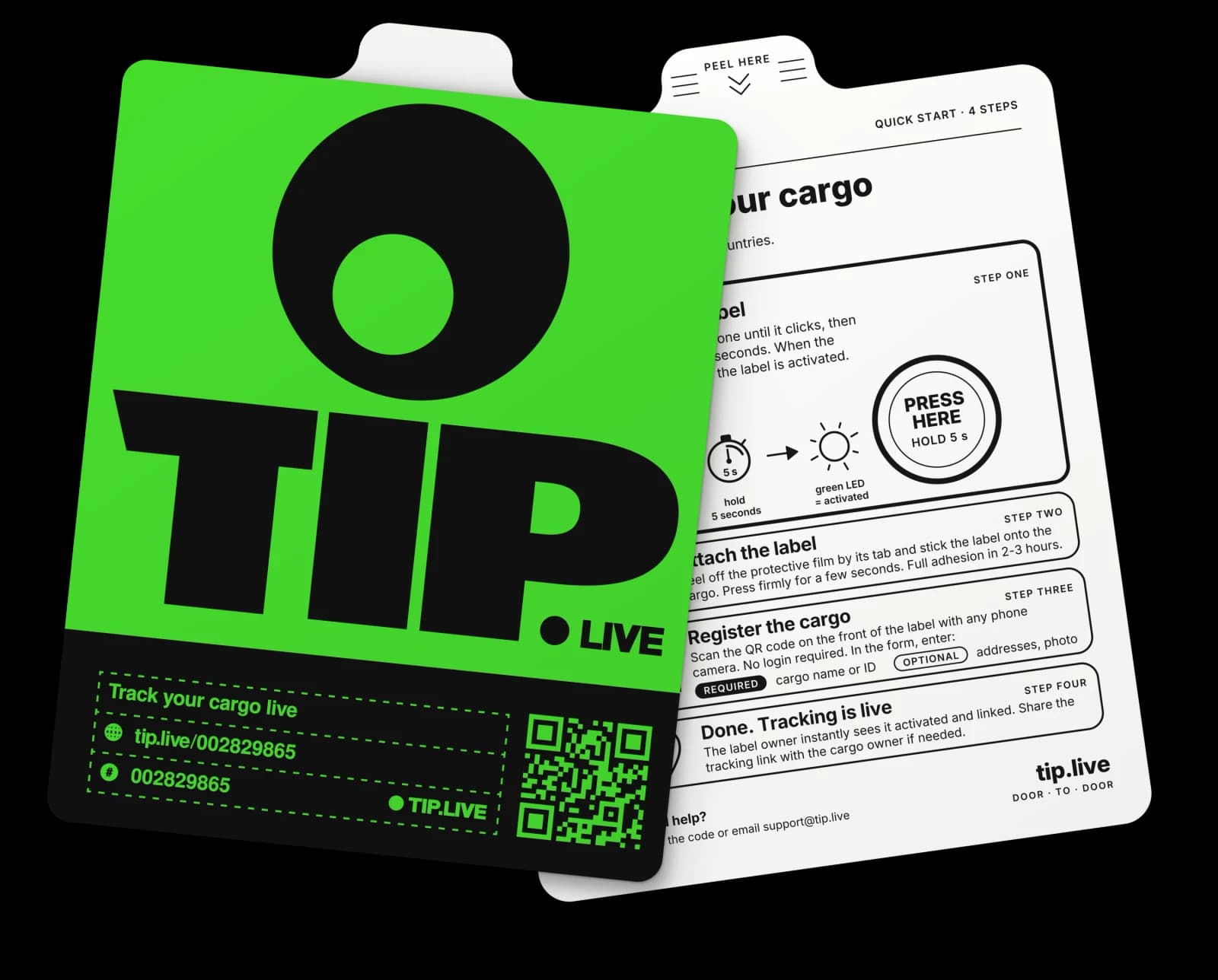
TIP tracking label, front and back

200

Countries & Territories

60+ days

At the default update interval

Location updates

straight from your cargo.

LTE

Cat-1 bis Cellular

1

Minimum Order

Why TIP your shipment?

Cost-effective tracking that travels with your cargo.

Different carriers. One shipment view.

There’s usually 20+ chains in a chain, not connected with each other

Share the same shipment view with your consignee

Shipment from Temu has better tracking than helicopter engine

A small label for cargo you can’t afford to lose sight of.

Make every shipment digital.

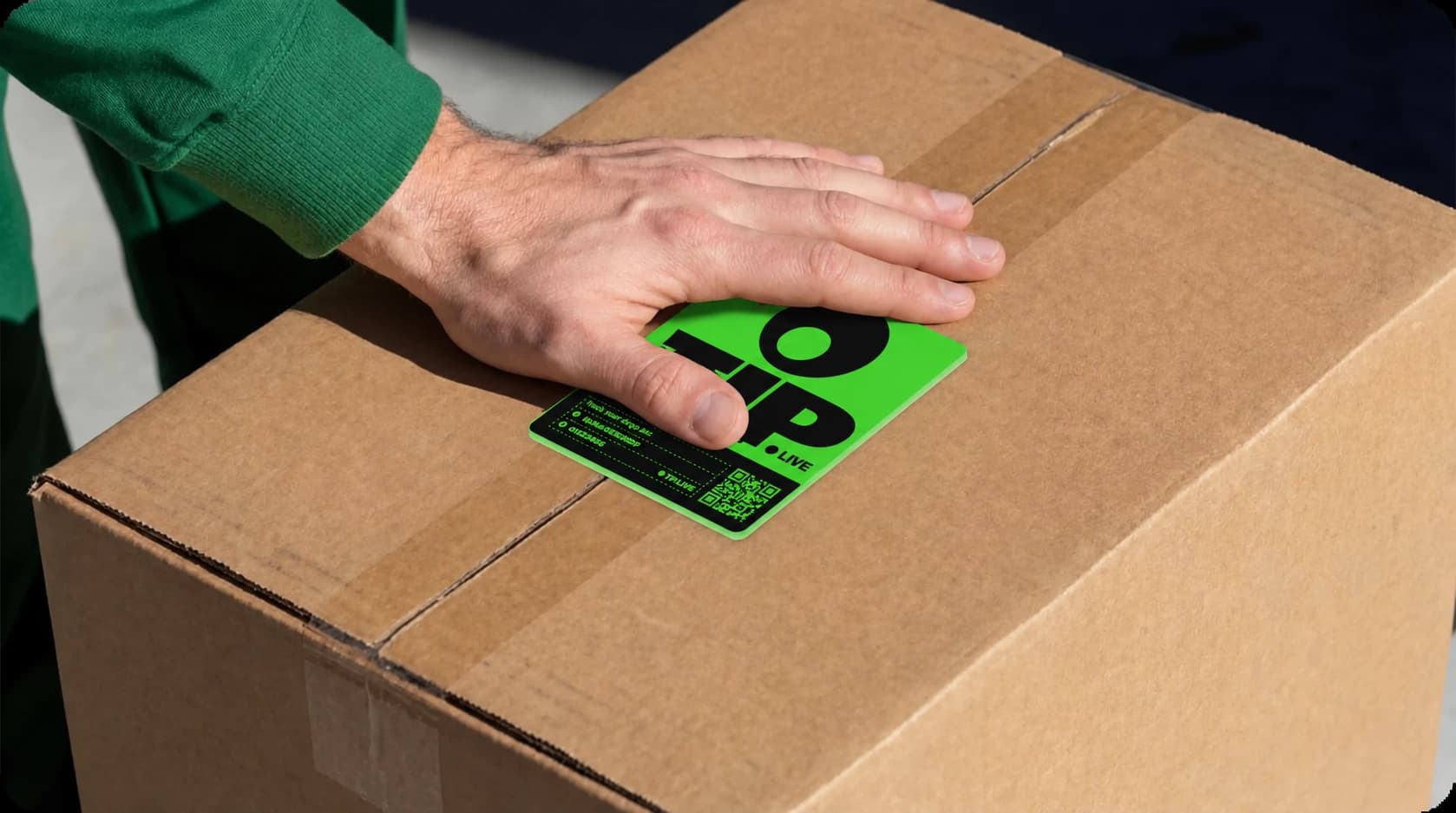
Hand placing a TIP tracking label on a shipment

How to TIP your shipment

1

Buy Labels

Choose how many labels you need. Your order is reserved at our warehouse, ready to dispatch.

2

Dispatch Anywhere

Tell us where to ship the labels — your office, a forwarder, or directly to your supplier.

3

Activate & Track

The receiver presses the activation zone for 5 seconds until the green LED lights up, sticks the label on, and scans the QR code to register the cargo. No app, no login.

4

Door to Door

Follow your shipment on a live map and share a tracking link with anyone — no account needed.

And yes, you can send TIP label to your sender to track it from anywhere

Why choose TIP?

  • No scanners.

    Scan the QR code with your phone. No reader infrastructure.

  • No subscriptions.

    One purchase includes connectivity and platform access.

  • No device returns.

    A single-use label. No collection or return logistics.

  • Share tracking with one link.

    Give your team and consignee the same shipment view.

One place to track all of your shipments

Everything you need to track your shipments in one simple interface

Example of live tracking

Real route of “TIP Demo”, replayed

Open
TIP tracking page of the demo shipment: route on a map, location history and shipment details

An example of the public tracking page a consignee sees: a real TIP route, recorded and replayed as if it were happening now. The full portal, with every shipment, dispatch and alert, opens right after a quick sign-up.

Network coverage

Which networks your label will use

Mobile operators that TIP tracking labels connect to, country by country. Every label works on 4G (LTE Cat-1 bis), with 2G (GSM) as fallback, and picks an available network in each country on its own — no SIM swap, no roaming setup.

200

countries and territories

453

mobile operators

382

operators with 4G LTE

360

operators with 2G GSM

4G or 2G coverage not listed small territoryPinch, Ctrl + scroll or the buttons to zoom; drag to pan

Pick a country

Click it on the map or type its name to see the mobile operators TIP labels connect to there.

available not available

Network list as of October 2026, provided through TIP's global connectivity partner. TIP labels do not use 3G, LTE-M or NB-IoT, so operators offering only those are left out. Operators may add, change or switch off networks, including 2G; service depends on local signal and frequency band availability.

Full list (PDF)
ElectronicsPharma & HealthcareArt & CollectiblesAir Shipments & Freight

Businesses heavily benefiting from TIP

Any business that sends valuable shipments and needs visibility from origin to destination.

Case studies

Real shipments.
Real routes.

Two consignments that travelled with a TIP label. Photos from loading day, with plates and serial numbers hidden.

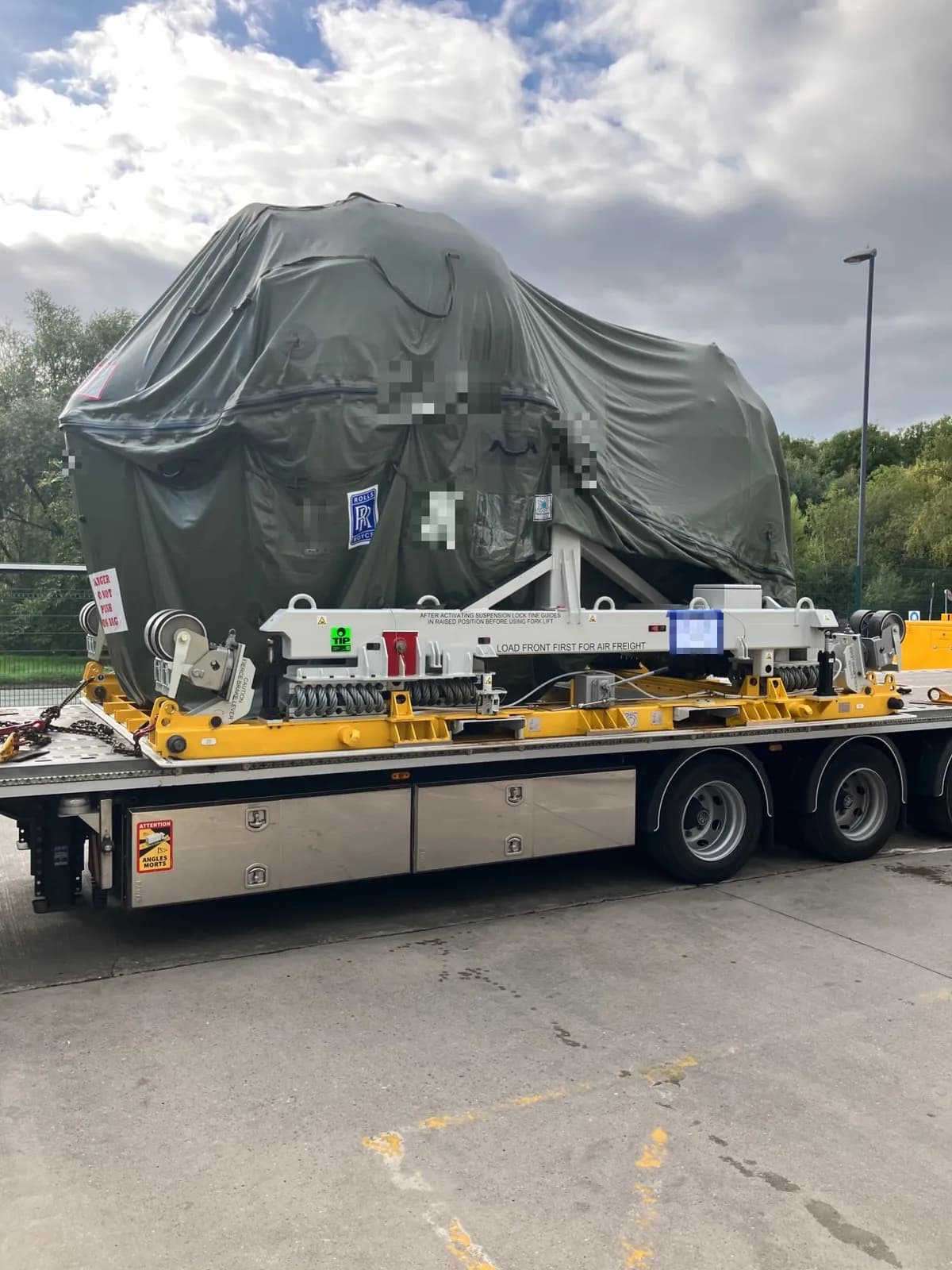
Covered jet engine on its transport stand, secured on a flatbed trailer with a TIP label on the stand
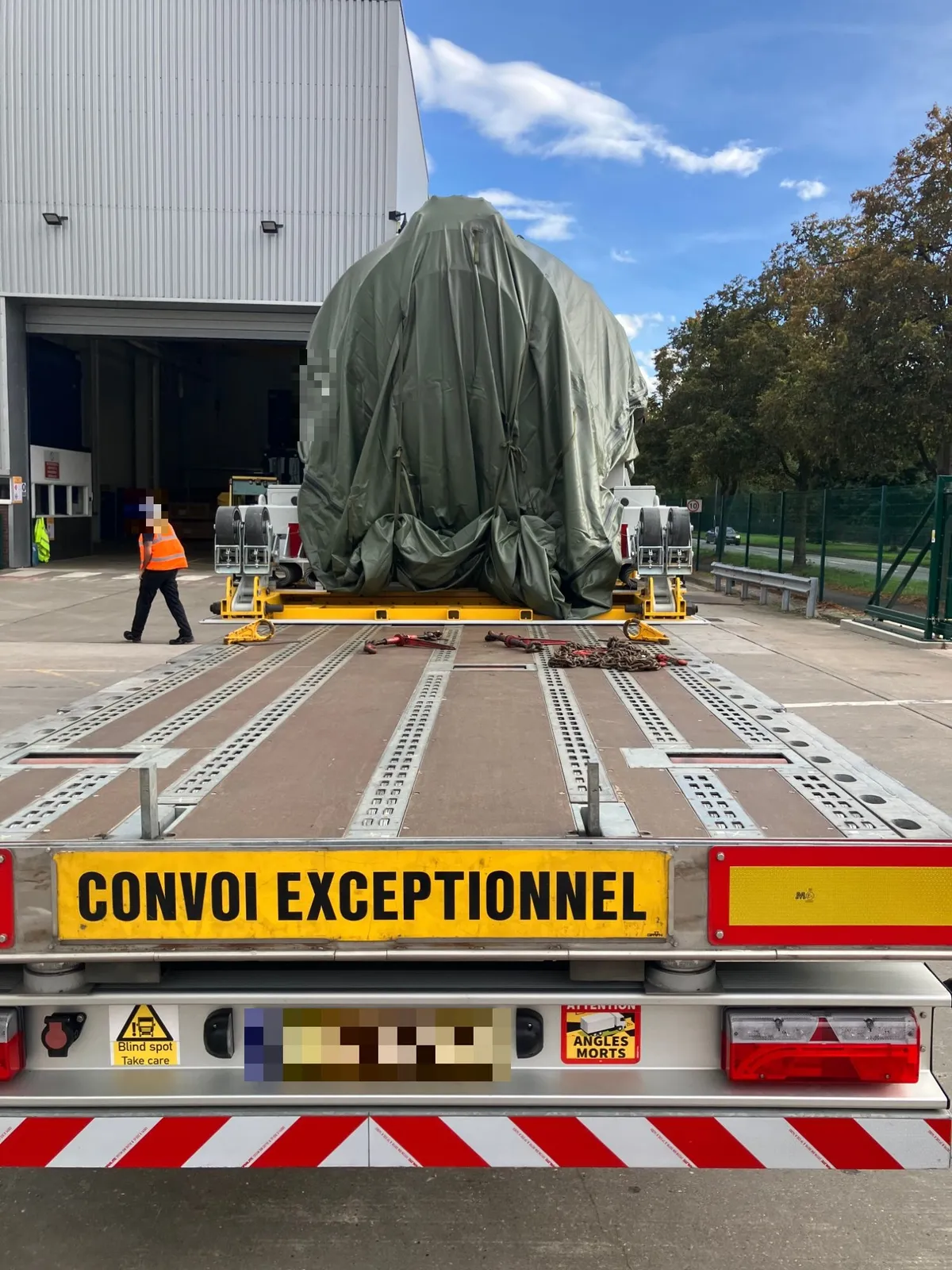
Covered jet engine on its stand seen from behind, on an oversize-convoy trailer in a factory yard

Aerospace · Road and sea

A $30 million jet engine, door to door

From
Rolls-Royce factory, Midlands, England
To
Airbus plant, Spain

One engine on its transport stand, an oversize road convoy, a sea crossing and a second road leg. One TIP label on the stand and one link to follow it, from the factory yard to the plant.

What the map showed

  1. 1Loaded at the factory: the first report from the yard.
  2. 2Every hour on UK roads, all the way to the port.
  3. 3Port departure: the last report before boarding, then the expected silence at sea.
  4. 4Arrival in Spain: the first report from the port.
  5. 5Road to the plant: across Spain, report by report, to the Airbus gate.

Factory gate to plant gate on one link, with only the sea crossing between reports.

Follow the journey : A $30 million jet engine, door to door
Jet engine on its stand
Cargo
About $30 million
Value
Road, sea, road
Transport
One, on the stand
Labels
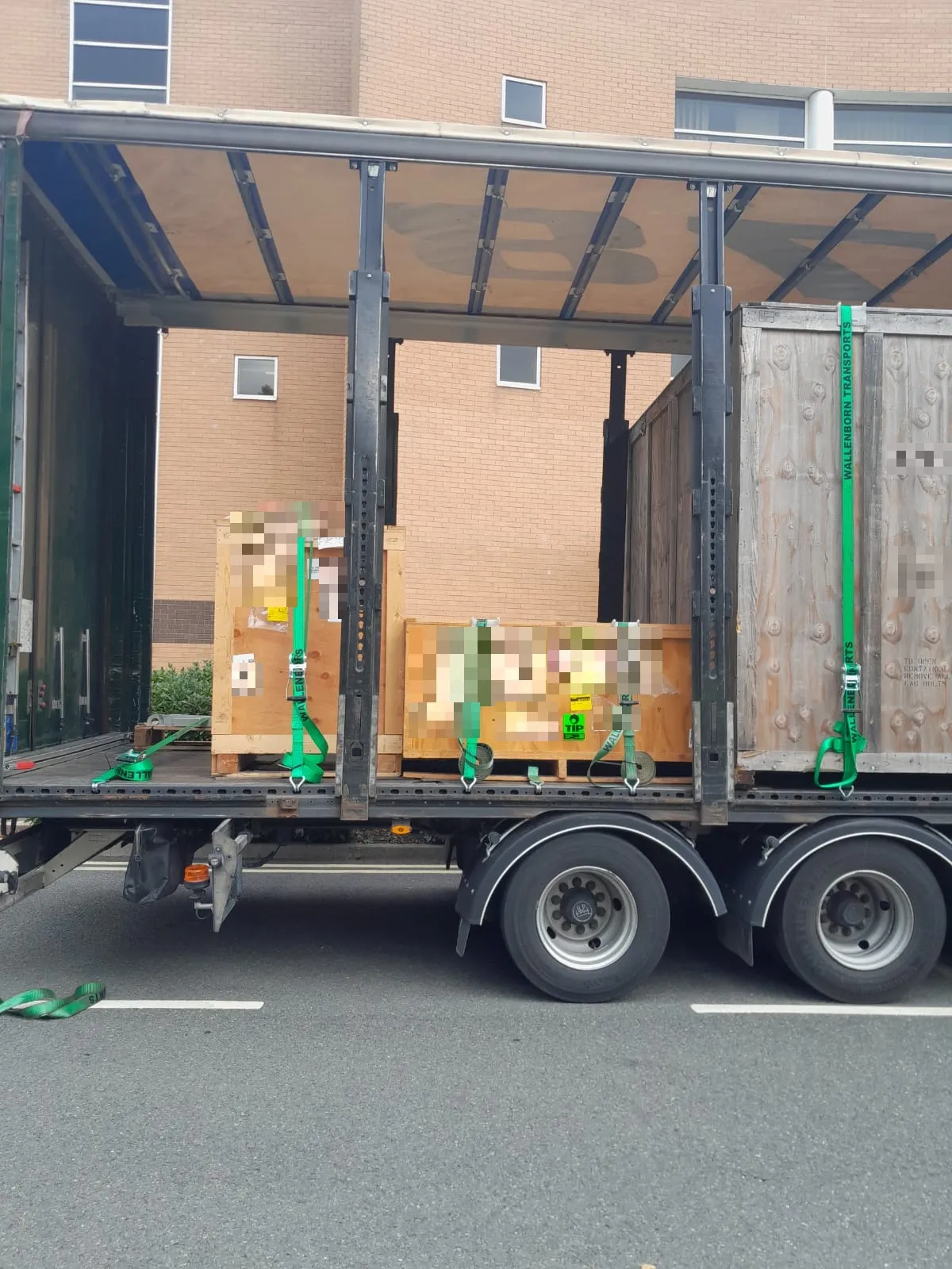
Three wooden crates of aircraft parts strapped inside a curtain-sider truck, one with a TIP label
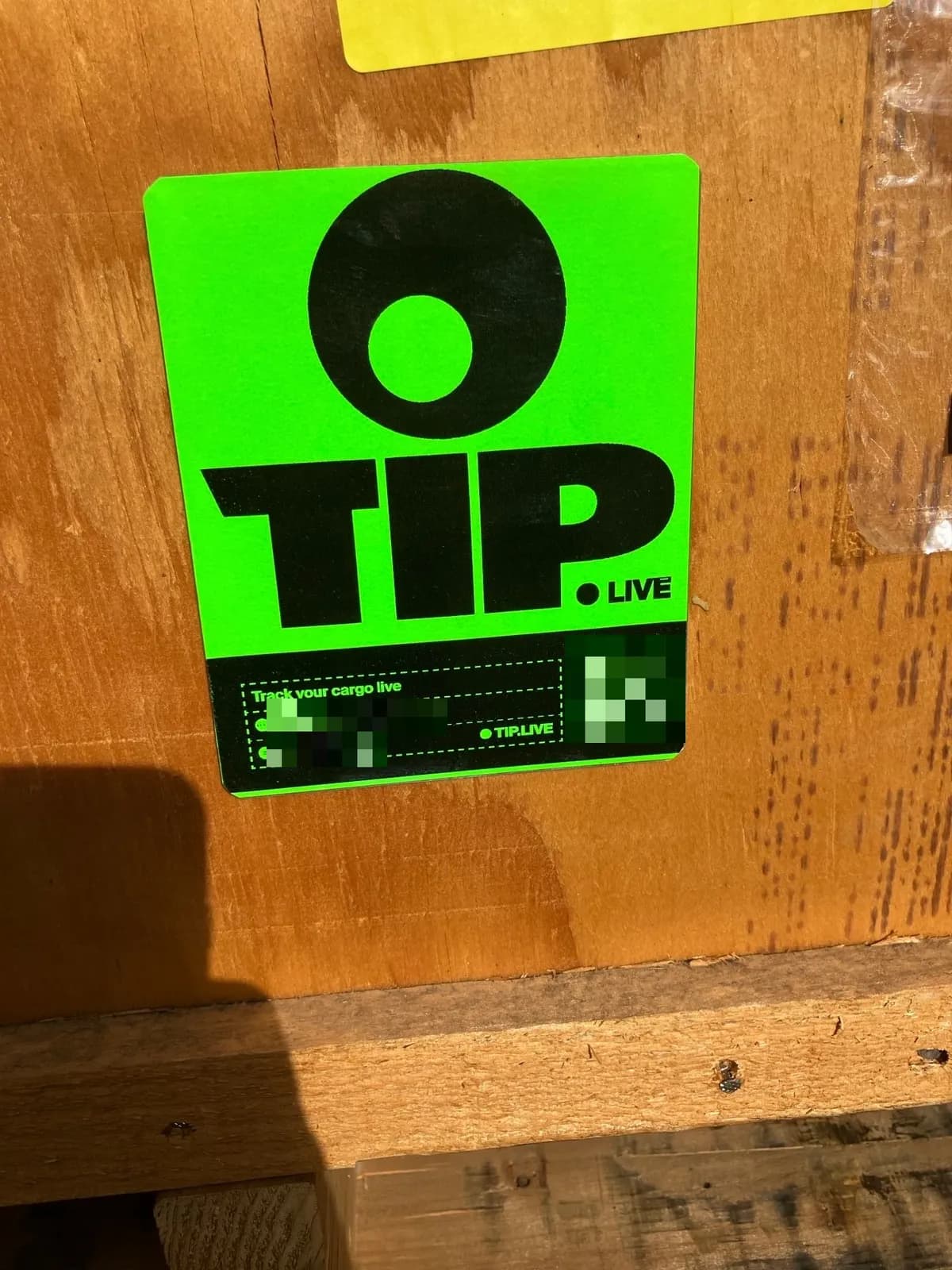
Close-up of a green TIP tracking label stuck on a plywood crate

Aircraft parts · Road

Aircraft parts, three crates, Britain to Germany

From
Western Britain
To
Germany

Three wooden crates of aircraft parts on one truck, a crossing to the continent and the drive to Germany. One TIP label, stuck on a crate before the truck left, reported every hour to anyone with the link.

What the map showed

  1. 1Activated at loading: press, stick, scan, and the crate was on the map.
  2. 2Hourly reports across Britain, all the way to the crossing.
  3. 3The crossing: a gap between reports, then the first one from the continent.
  4. 4Across the continent, report by report, to the door in Germany.
  5. 5Arrived: the same link showed the destination to anyone who had it.

Three crates, one label, one link: the whole road in one place, for everyone who needed it.

Follow the journey : Aircraft parts, three crates, Britain to Germany
Aircraft parts, 3 crates
Cargo
One truck, door to door
Transport
Road, crossing, road
Route
One, on a crate
Labels

Less chasing.Best visibility.One shared view.

Tracking for your role in the shipment

For cargo owners and manufacturers

Send labels to your supplier, follow updates between carrier hand-offs, and share the route with your consignee.

Plan tracking for your cargo

For freight forwarders and logistics teams

Give your operations team and customers one shipment view, with browser-based sharing and documented API access.

Explore a customer pilot

Buy TIP Labels

1 label

$30 per label in this pack

$30 USD total · excl. VAT

Includes tracking platform access, shareable links and email notifications. 60+ days at the default update interval.

Buy 1 label

5 labels

$24 per label in this pack

$120 USD total · excl. VAT

Includes tracking platform access, shareable links and email notifications. 60+ days at the default update interval.

Buy 5 labels

10 labels

$20 per label in this pack

$200 USD total · excl. VAT

Includes tracking platform access, shareable links and email notifications. 60+ days at the default update interval.

Buy 10 labels

Frequently Asked Questions

Common questions about TIP tracking labels.

What is TIP?
TIP is a stick-on cellular tracking label that gives you a shared view of your cargo’s journey. Send labels to your office, forwarder or supplier, attach one to the shipment, and follow updates in your dashboard or through a shareable tracking link. No subscription. Nothing to return.
Where do my labels arrive?
After purchase, create a Dispatch from your dashboard with the delivery address — your office, a forwarder, a warehouse or a supplier. If you do not know the receiver’s details yet, share a private link so they can confirm their address. Delivery availability, timing and shipping terms are separate from cellular network coverage. Shipping terms
Can I send labels directly to a supplier or shipper?
Yes. Buy the labels and arrange dispatch to the person who will handle your shipment. They can activate and attach the labels when they arrive. You can also share a private link with the receiver so they can confirm their delivery address before dispatch.
How long until my labels arrive?
Typically 3–5 business days from when the dispatch destination is confirmed. International destinations may take longer depending on customs.
How do I activate a TIP label?
Press the activation zone until it clicks, then hold for 5 seconds until the green LED lights up. Peel off the backing, attach the label and press firmly. Scan the large QR code on the green front with your phone camera, enter your cargo name or ID and register it. No login is needed. Watch the 40-second activation guide
Do I need to be the one who attaches the label?
No. The receiver can press the activation zone for 5 seconds until the green LED lights up, attach the label and scan the QR code to register the cargo. No TIP account or technical setup is needed for this activation flow.
How does tracking work?
The label uses built-in cellular connectivity and mobile-network positioning to send cargo location reports to your dashboard. View the route history and share the same shipment view with your team or consignee. Reports are sent every 60 minutes by default when connected. Typical accuracy is a few hundred metres in cities and several kilometres in open country. Positioning specifications
Which countries are supported?
TIP connects to mobile networks in 200 countries and territories. Explore the coverage map to see supported countries and operators along your route, with guidance on signal availability and label placement. Coverage by country
How does TIP support sea and air shipments?
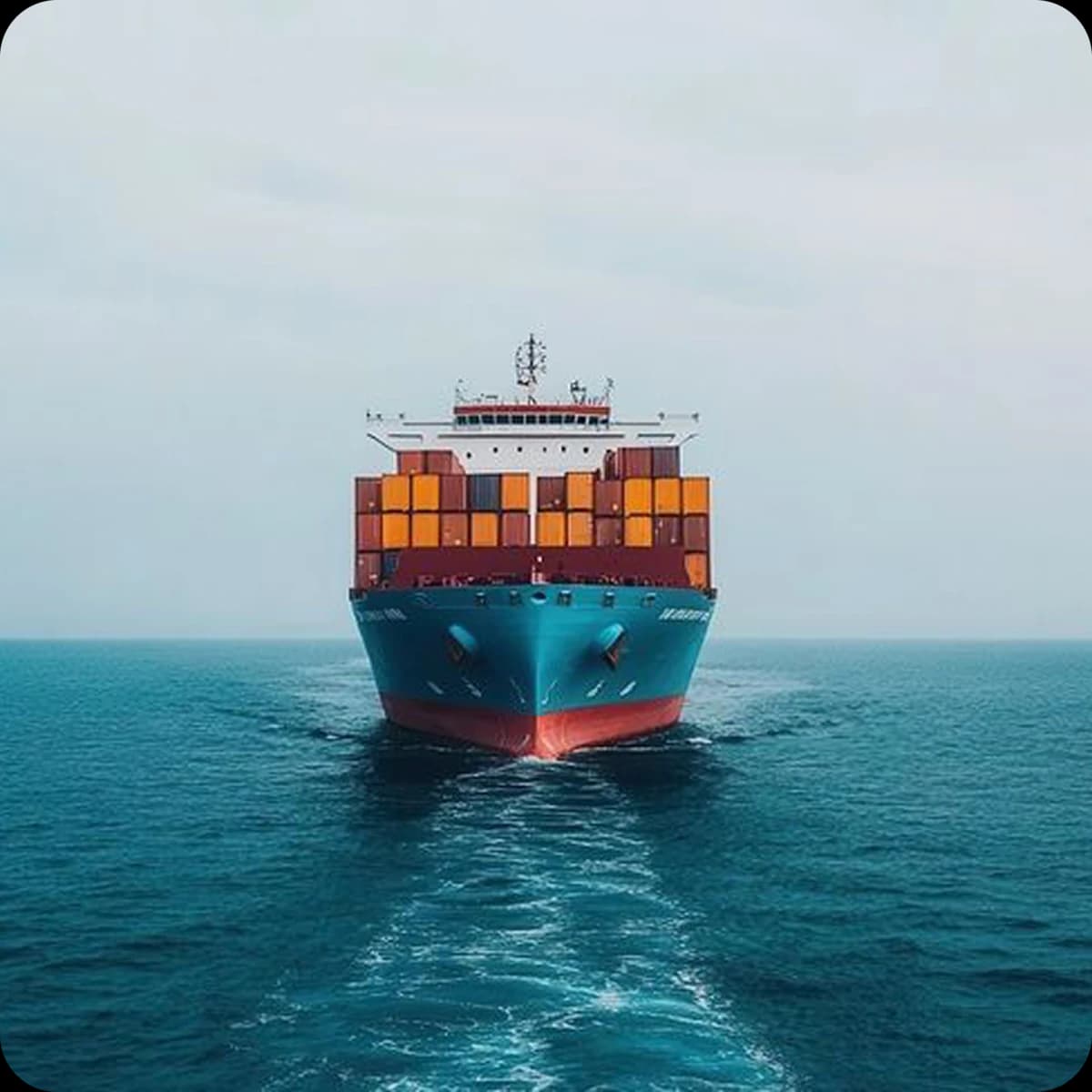
TIP travels with your cargo across road, sea and air transport, bringing available location reports into one shipment history. The label automatically pauses transmission during flights and reconnects after landing. On sea journeys, new label reports are available when the shipment connects to a mobile network, such as near ports.
Can a TIP label fly on a plane?
L1 has an automatic flight mode: transmission pauses in the air and resumes after landing. Check your airline or forwarder’s acceptance requirements and request the current transport documentation before shipping. Transport rules and current status
How long does the battery last?
Labels are designed for 60+ days at the default 60-minute update interval. After delivery a label keeps reporting until its battery is spent, then it should go to an electronics or battery collection point. An adjustable reporting interval is planned for a future version.
How is the label attached to the shipment?
After activating the label, peel off the protective film by its tab and stick the label to a clean, flat, dry surface. Press firmly; full adhesion takes 2–3 hours. Metal surfaces can weaken the signal. Place the label where it will not be damaged in transit.
Can I share tracking with my consignee?
Yes. Generate a public tracking link from the dashboard and send it to your consignee. They can view the map and status without creating an account.
What if the label is defective?
We replace or refund any defective label — no questions asked. Unused (sealed) labels can be returned within 30 days for a full refund. Once a label is activated it is single-use, so activated labels are not refundable.
Can I track multiple shipments at once?
Yes. Your dashboard shows active shipments on a shared map. Assign labels to shipments and manage their tracking from the same account.
Does TIP use AI?
TIP uses AI-assisted route analysis to turn location reports into a clearer view of the journey, helping identify likely transport stages and routes from the available data.
Do I need to return the label after delivery?
No. The label is single-use: it does not need recharging or return shipping. When the battery is spent, use an electronics or battery collection point.
Do you offer bulk or enterprise pricing?
Yes. For logistics companies or regular shippers who need more than 10 labels at a time, contact support@tip.live for custom pricing. An API is available for integrating TIP into your existing workflow. API documentation

Get in Touch

Questions about tracking, orders, or enterprise? We're here to help.

Ready to Track Door to Door?

Get your first tracking label and follow your shipment from pickup to delivery.

Buy labels — from $20